Introduction
Have you ever thought about earning money online by doing what you love, writing, designing, coding or even voiceovers? Fiverr makes that possible for millions of people around the world. Whether you are a student, a stay-at-home parent, or a professional looking for extra income, Fiverr gives you a platform to sell your skills to clients globally.
But before you can start earning, you need to know how to make a Fiverr account the right way. A lot of beginners skip important steps during setup and later wonder why they are not getting orders. This guide covers everything from scratch creating your account, setting up your profile, and getting ready to attract your first buyer.
By the end of this article, you will have a fully set-up Fiverr account and a clear idea of how to move forward. Let’s get started!
What Is Fiverr and Why Should You Join It?
Before jumping into the steps, it helps to understand what Fiverr actually is. Fiverr is a global online marketplace where freelancers (called sellers) offer their services to businesses and individuals (called buyers). Services on Fiverr are listed as “Gigs,” and they can range from $5 to thousands of dollars depending on the work involved.
Fiverr is popular for many good reasons:
- It is free to join as a seller or buyer
- You can work from anywhere in the world
- Payments are secure and handled by Fiverr
- Millions of buyers visit the platform every day
Whether you want to offer graphic design, translation, social media management, or video editing there is a category for almost every skill on Fiverr. Even if you are just starting out, Fiverr gives new sellers a fair chance to grow through its level system and search algorithm.
Tip: Even if you are not sure what to sell yet, creating your account now gives you time to explore the platform and figure out your niche.
Things You Need Before Creating Your Fiverr Account
Many people rush into signing up without preparing the basics first. Taking a few minutes to gather what you need will make the process smooth and professional from day one.
Here is what you should have ready:
- A working email address: Use a professional email if possible (e.g., yourname@gmail.com)
- A profile photo: A clear, friendly headshot works best. Avoid group photos or blurry images.
- A short bio about yourself: 150 to 300 words describing your skills and experience
- Your skills listed out: Think about what you can offer buyers
- A payment method: PayPal, bank transfer or Payoneer to receive your earnings later
You do not need to be an expert to join Fiverr. Even beginners with basic skills can create gigs and find clients. The key is to present yourself clearly and honestly.
Example: If you are good at typing, you can offer data entry services. If you enjoy writing, you can sell article writing. Start with what you already know.
Step-by-Step: How to Create Your Fiverr Account
Now let’s walk through the exact steps to make your Fiverr account. The process is simple and takes about 10 minutes.
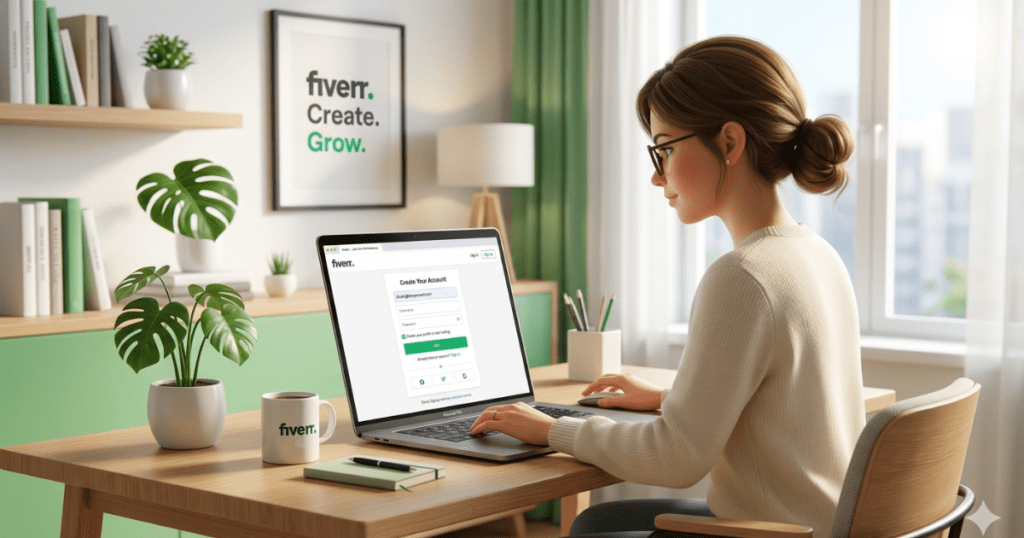
Step 1. Go to Fiverr’s website: Open your browser and visit www.fiverr.com. You will see a homepage with a “Join” button at the top right corner. Click it.
Step 2. Choose your sign-up method: Fiverr gives you three options to register:
- Sign up with your email address
- Continue with Google
- Continue with Facebook or Apple
Using Google is the fastest option. However, using a separate email keeps your Fiverr account more professional and independent.
Step 3. Create your username: Pick a username that is simple, memorable, and related to your work. For example, “designsbymaria” or “alexwritespro” sounds more professional than random numbers.
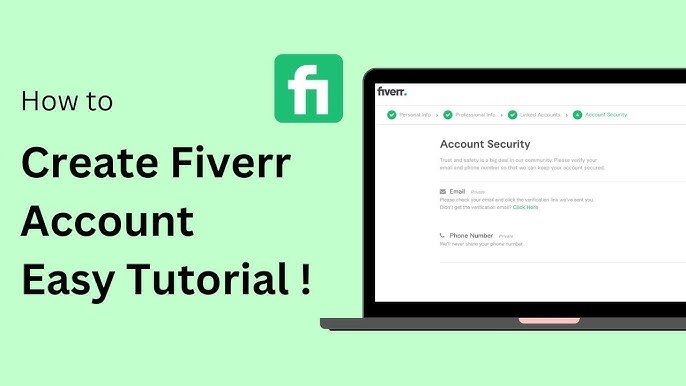
Step 4. Verify your email: Fiverr will send a confirmation link to your email. Open it and click the link to verify your account. Without this step, your account will not be fully activated.
Once done, you are officially a Fiverr member!
How to Set Up Your Fiverr Profile the Right Way
Creating an account is just the first step. Your Fiverr profile is what buyers see before deciding to work with you. Think of it as your online resume it needs to make a strong first impression.
Here is how to complete your profile properly:
- Profile picture: Upload a clear, smiling photo of yourself. Avoid logos or cartoons real faces build more trust with buyers.
- Display name: This is your public name. Keep it professional and easy to remember.
- Description (Bio): Write a short paragraph about who you are, what services you offer, and why buyers should choose you. Focus on the value you bring.
- Languages: Add the languages you speak. This helps buyers find you based on communication preferences.
- Skills: Add relevant skills from the dropdown list. Be honest, only list skills you can actually deliver.
- Education and certifications: If you have any degrees or online course certificates, add them. This builds credibility.
Tip: Fiverr shows a “profile completion” percentage. Try to reach 100% it improves your visibility in search results.
Choosing the Right Seller Category and Skills
When setting up your profile, Fiverr asks you to choose your main category and subcategory. This step is very important because it determines where your gigs will appear in search results.
Think carefully about what service you want to offer. Fiverr has dozens of categories including:
- Graphics & Design (logos, flyers, social media posts)
- Digital Marketing (SEO, social media management, email marketing)
- Writing & Translation (blog writing, proofreading, translation)
- Video & Animation (video editing, explainer videos, subtitles)
- Programming & Tech (web development, app development, WordPress)
After choosing your category, select your specific skills. For example, if you choose Writing & Translation, you might add skills like Blog Writing, SEO Writing, and Proofreading.
Example: A freelancer who knows basic photo editing can start under Graphics & Design > Photo Editing and grow from there by learning more advanced tools over time.
Be specific in your niche. Sellers who focus on one clear skill tend to rank better and attract more targeted buyers than those who try to offer everything.
How to Create Your First Gig on Fiverr
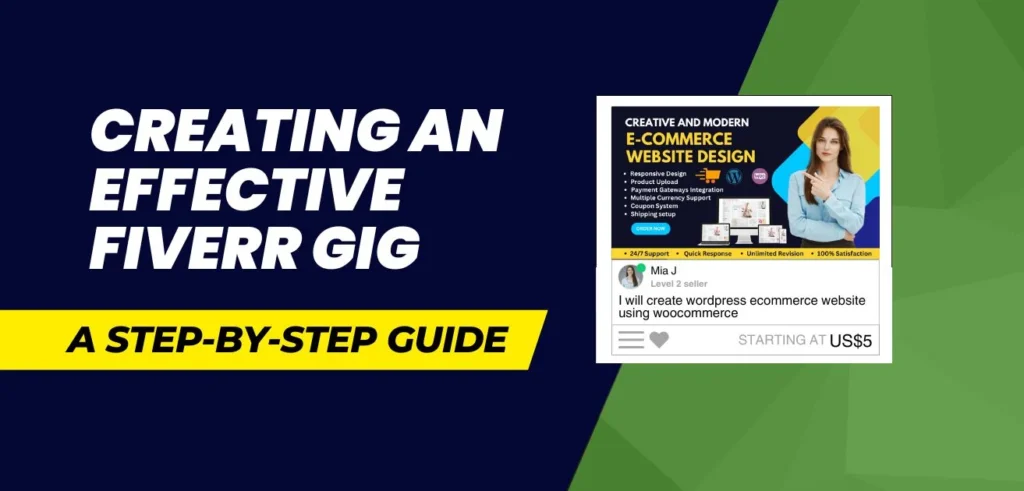
Once your profile is ready, it is time to create your first Gig this is the actual service listing that buyers will find and purchase. Creating a good gig is one of the most important things you can do to start getting orders.
Here is a quick breakdown of what goes into a gig:
Gig Title: Write a clear and specific title. For example: “I will write a 500-word SEO blog post for your website” is much better than “I will write articles.”
Category: Choose the right category and subcategory for your gig.
Pricing (Packages): Fiverr allows you to create three packages Basic, Standard and Premium. Start with affordable prices to attract your first reviews, then raise them over time.
Description: Explain exactly what you will deliver, what the buyer needs to provide, and why you are the right person for the job. Write in a friendly and confident tone.
Gig Tags: Add 5 relevant keywords (tags) that buyers might search for. These improve your gig’s visibility.
Gig Images/Video: Upload a clean, professional image related to your service. If possible, add a short intro video gigs with videos get significantly more clicks.
Tip: Study the top-rated gigs in your category and take notes on how they write titles and descriptions. Do not copy just learn the style.
Setting Up Your Payment and Withdrawal Method
You are doing this to earn money, so setting up your payment method early is important. Fiverr holds your earnings for a short clearance period (usually 14 days for new sellers), after which you can withdraw to your preferred account.
Fiverr supports several withdrawal options:
- PayPal: Fast and available in most countries
- Payoneer: Great for international sellers, especially in countries where PayPal is limited
- Bank Transfer (Direct Deposit): Available in some countries
- Fiverr Revenue Card: A prepaid Mastercard powered by Payoneer
To set this up, go to your profile icon → Settings → Billing → Withdrawal Methods. Add your preferred option and confirm the details.
Important: Make sure the name on your Fiverr account matches your payment account to avoid withdrawal issues later.
For sellers in Pakistan, India, Bangladesh and other regions where PayPal may not be available, Payoneer is the most popular and reliable choice.
Tips to Get Your First Order Faster on Fiverr
Creating an account and a gig is just the beginning. The real challenge for new sellers is getting that first order. Here are some practical tips that can speed up the process:
- Stay online as much as possible: Fiverr shows an “Online” badge on active profiles, which increases visibility
- Send buyer requests daily: Go to “More > Buyer Requests” and send offers to buyers who are looking for services like yours
- Share your gig on social media: Post your Fiverr gig link on LinkedIn, Facebook groups and WhatsApp contacts
- Price competitively at the start: Offer affordable rates until you get your first 5–10 reviews
- Respond quickly to messages: Fiverr rewards sellers with fast response rates by ranking them higher
- Keep improving your gig: Update your description, images, and tags based on what is trending
Example: Many successful Fiverr sellers say their first order came within the first two weeks simply because they stayed active, responded fast, and sent buyer requests every single day.
Patience and consistency are key. Do not give up after a few days without orders.
Frequently Asked Questions (FAQ)
Q1: Is it free to create a Fiverr account?
Yes, creating a Fiverr account is completely free for both buyers and sellers. Fiverr only charges a service fee when you complete a transaction sellers keep 80% of every order, and Fiverr takes 20%.
Q2: Can I make a Fiverr account without a PayPal account?
Absolutely. Fiverr supports multiple payment methods including Payoneer, bank transfer, and the Fiverr Revenue Card. PayPal is optional and not required to get started.
Q3: How long does it take to get the first order on Fiverr?
There is no fixed timeline. Some sellers get their first order within a few days, while others may wait weeks. The key factors are a complete profile, a well-written gig, competitive pricing and consistent activity on the platform.
Q4: Can I create more than one Fiverr account?
No. Fiverr’s terms of service only allow one account per person. Creating multiple accounts can result in a permanent ban. If you want to offer different services, simply create multiple gigs under the same account.
Q5: What should I do if my Fiverr account gets restricted?
If your account is flagged or restricted, contact Fiverr’s customer support through the Help Center. Usually, this happens due to policy violations, so always read Fiverr’s Terms of Service carefully before getting started.
Conclusion
Learning how to make a Fiverr account is the first step toward building a real freelancing career online. The process is straightforward sign up, complete your profile, create a strong gig and stay active. The platform is open to everyone, no matter where you live or what your background is.
To recap what we covered:
- Fiverr is a powerful platform for selling your skills online
- You need a professional photo, clear bio, and the right skills listed
- Creating a detailed gig with a great title and description matters a lot
- Setting up your payment method early saves you trouble later
- Consistency, fast replies, and buyer requests are the fastest path to your first order
The best time to start is right now. Go to Fiverr, create your account today, and take that first step toward financial freedom. Thousands of freelancers started exactly where you are with zero reviews and zero orders and built successful careers one gig at a time.
Your skills have value. Fiverr gives you the platform. All you need to do is show up.